Install
uv is the preferred tool to install scimba, but you can
also use pip.
In any case, it is strongly recommended to isolate your installation in a virtual
environment (uv does this for you).
If your project is handled by a pyproject.toml:
uv init
uv add "scimba[scimba_jax]"
otherwise:
uv pip install "scimba[scimba_jax]"
pip install "scimba[scimba_jax]"
You might also want to clone the scimba repository to get access to the example suite:
git clone git@gitlab.com:scimba/scimba.git
then in your repo:
uv init uv add “scimba[scimba_jax] @ path/to/local/scimba”
pip install "scimba[scimba_jax] @ path/to/local/scimba"
Tutorials
Each tutorial is a single Jupyter notebook that helps you get started with Scimba.
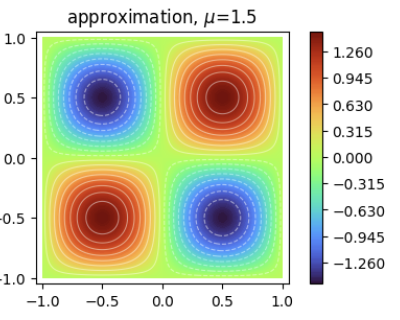
Solve pre-defined stationary and time-dependent models.
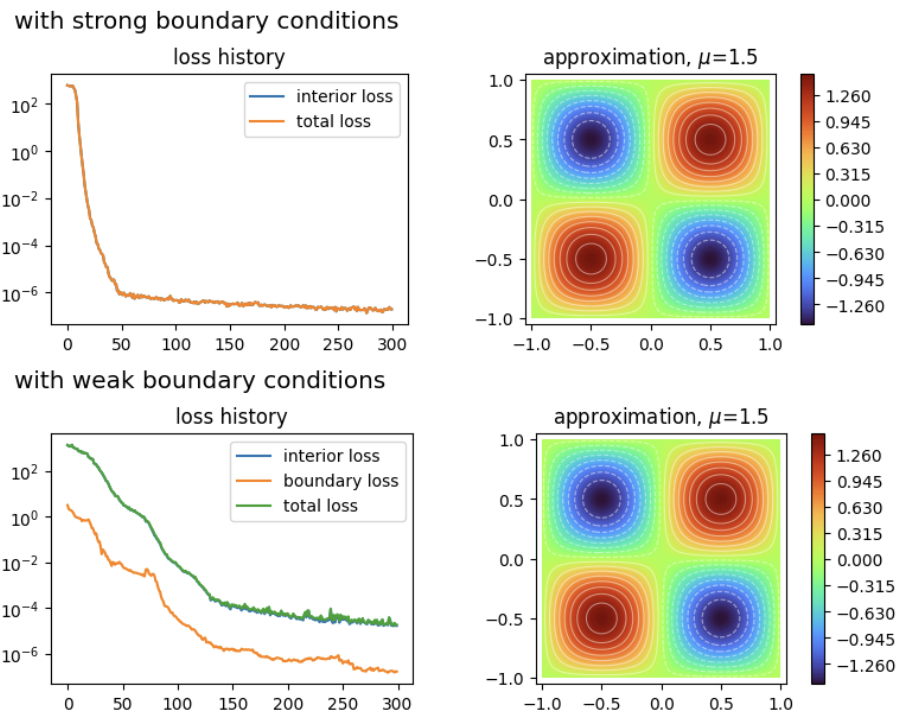
Implementation of strong boundary and initial conditions.
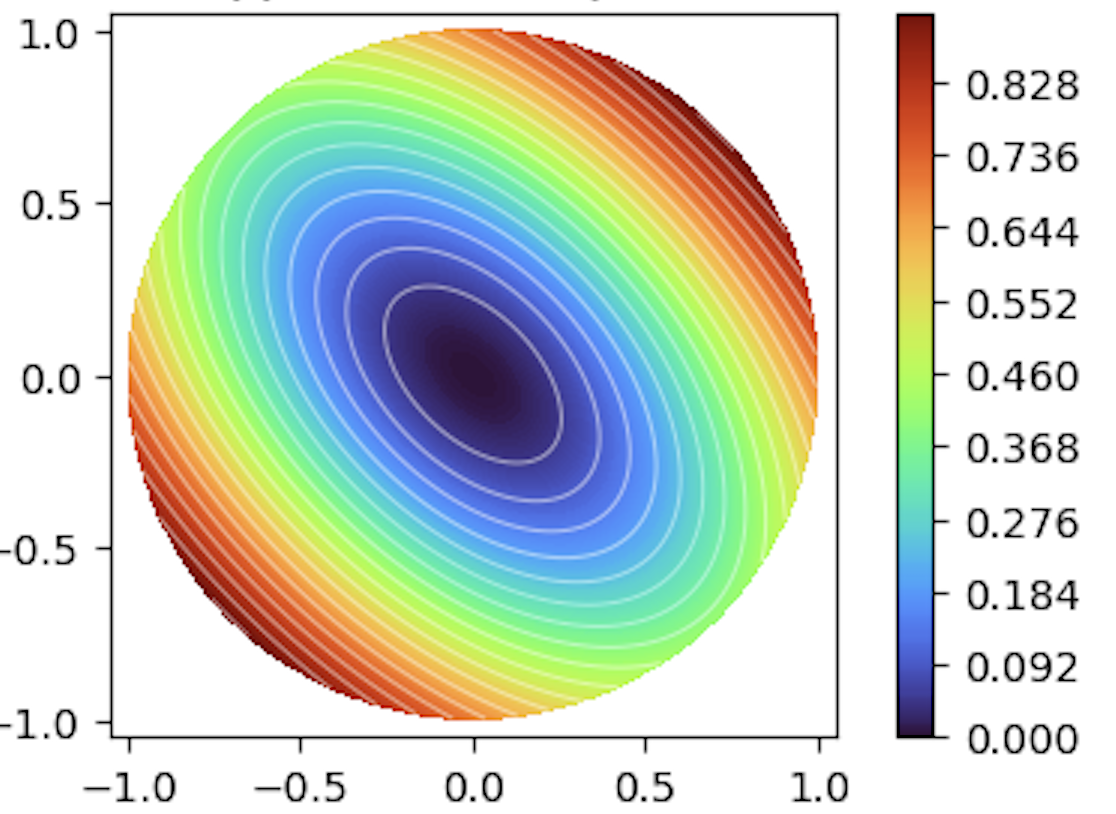
How to apply mixed boundary conditions.
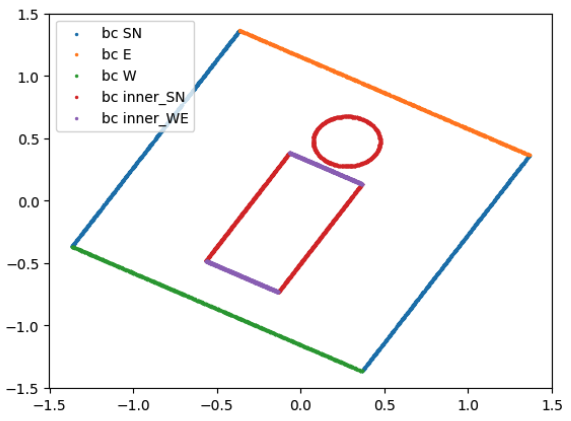
How to define domains and samplers.
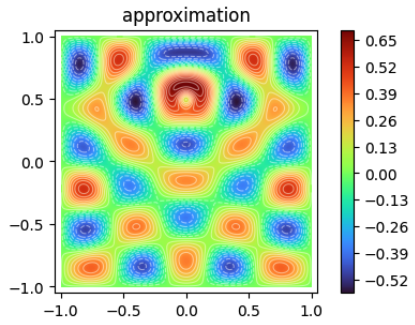
How to save and load objects.
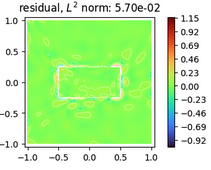
How to define custom physical models.
Neural-operator data
FEM, DG and multigrid
Weak forms and parametric functions
Examples (JAX)
A complete list of JAX script examples is available in the examples/examples_jax/
directory of the repository.