Install
uv is the preferred tool to install scimba, but you can
also use pip.
In any case, it is strongly recommended to isolate your installation in a virtual
environment (uv does this for you).
If your project is handled by a pyproject.toml:
uv init
uv add "scimba[scimba_jax]"
otherwise:
uv pip install "scimba[scimba_jax]"
pip install "scimba[scimba_jax]"
You might also want to clone the scimba repository to get access to the example suite:
git clone git@gitlab.com:scimba/scimba.git
then in your repo:
uv init
uv add "scimba[scimba_jax] @ path/to/local/scimba"
pip install "scimba[scimba_jax] @ path/to/local/scimba"
Tutorials
Each tutorial is a single Jupyter notebook that helps you get started with Scimba.
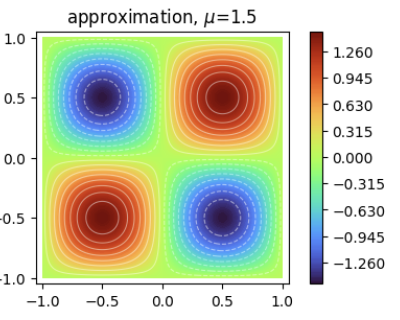
Basics of scimba_jax
Solve pre-defined stationary and time-dependent models.
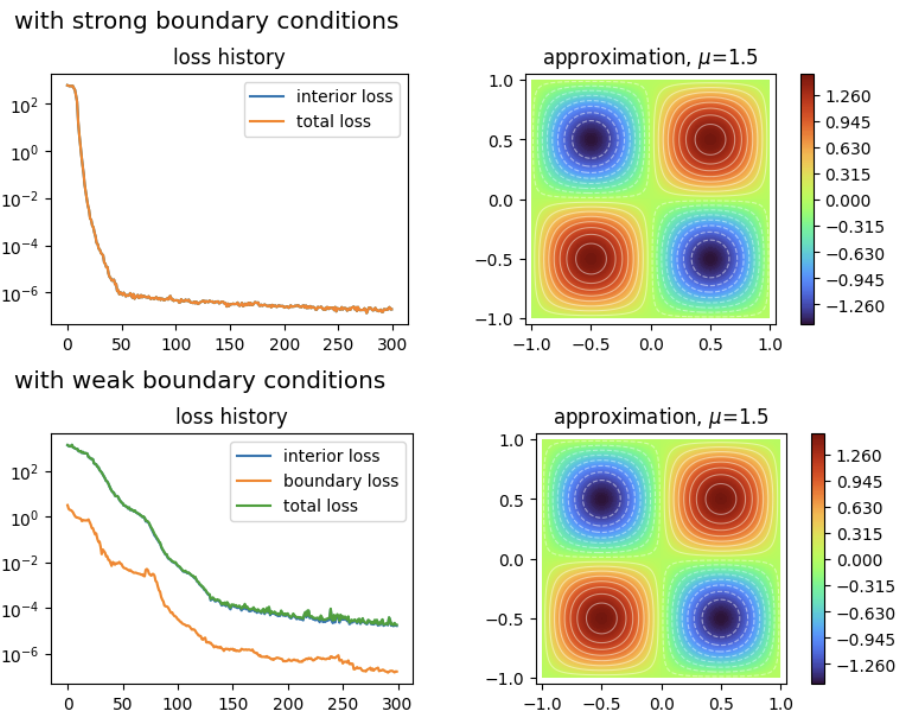
Strong Boundary Conditions
Implementation of strong boundary and initial conditions.
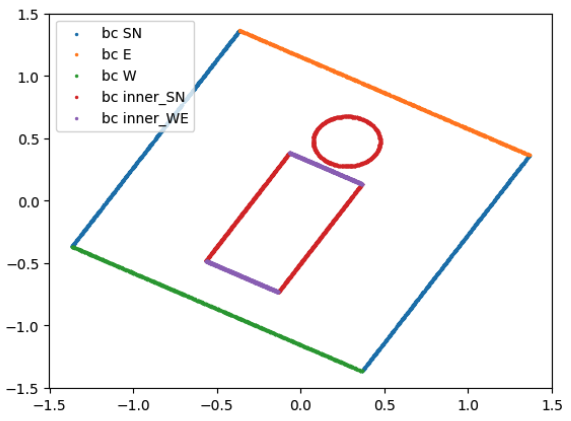
Domains and Samplers
How to define domains and samplers.
Custom Physical models
How to define custom physical models.